


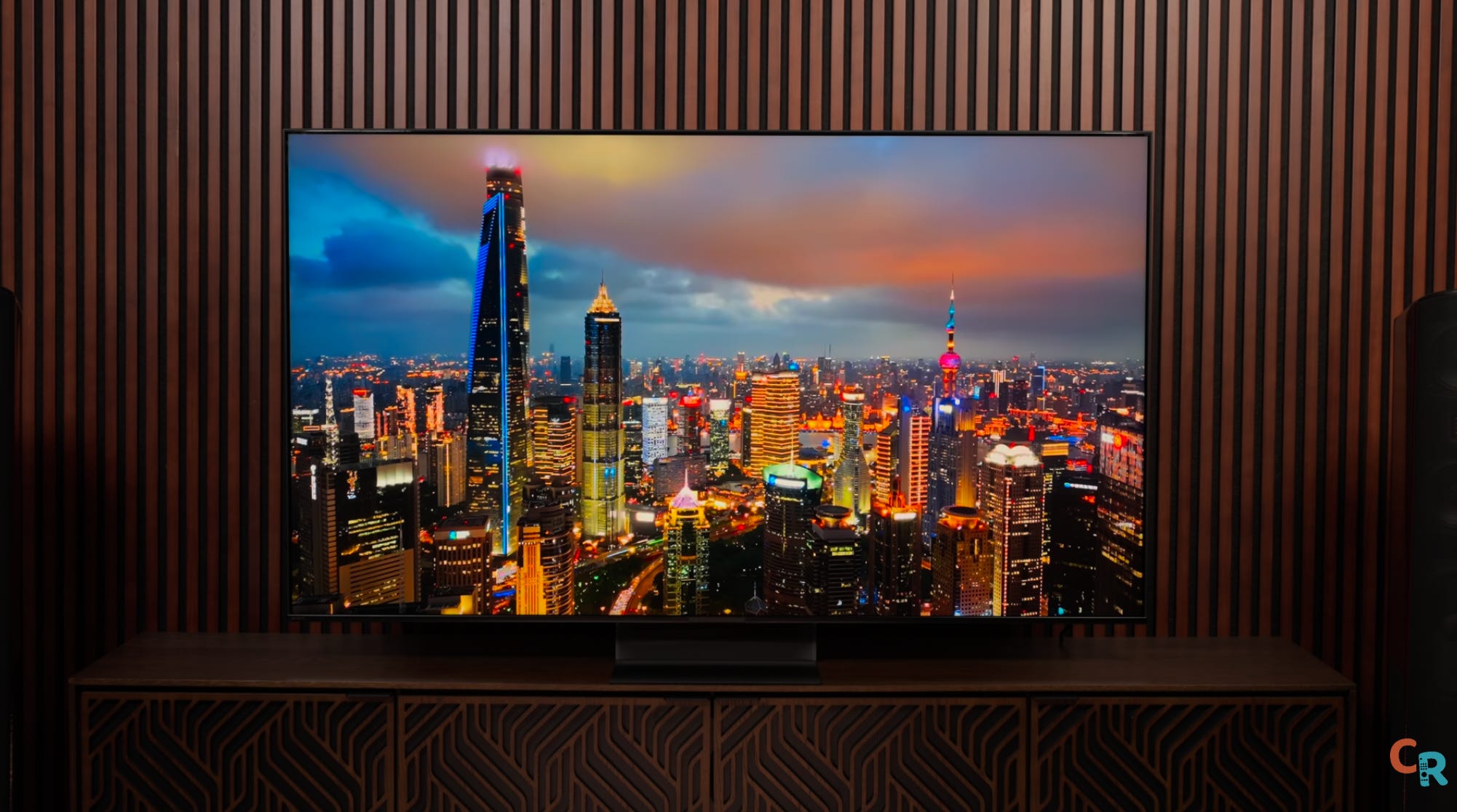
I’m not going to bury the lede here — the Sony Bravia 7 II is a big-ol-slap-in-the-face reminder that Sony can really ace a test when it comes to measurements. It’s so good that as I was testing it, there were moments where I wondered: Is this TV too good? Is it so good that the Bravia 9 II will either have to drop the mic on the entire TV industry or suffer extremely low sales?
Pricing
No, there’s still room for a Bravia 9 II, but not a lot — meaning I predict the Bravia 9 II should be the best-performing example of an RGB Mini-LED TV — I’ll let you know soon. But the Bravia 7 II is far more attainable. The pricing for Sony’s 2026 lineup: and you’ll notice there’s a $1,000 difference between the two at 65 inches, and that gap increases as you go up, with a $2,500 difference at the 85-inch level. The Bravia 7 II tops out at $9,000 for the 98-inch model and goes down to 50 inches! (insert image)
I can find the tiniest fault in any TV – and yes, I have found what the Bravia 7 is hiding - but honestly, this TV is crushing it. On top of that, Sony has pulled off either the gutsiest move I’ve ever seen in this industry or is straight-up slapping the competition in the face. Ready for this? You can actually turn off the RGB processing and make the TV use plain white as the backlight. The results? Extremely interesting.
Out of the box
Design and Build Quality


I’m itching to dive into the best parts, but first, let’s actually look at the TV. The stand? It’s subtle genius. The floating look is slick, and you can stash all your cable clutter behind it. That clear piece of plastic? Just plain fun. Plus, this thing is rock-solid—the feet you attach are chunky, heavy-duty metal. You can literally feel where the money went.
Speaker Setup and Sound


Flip to the back and you’ll find grills for three speakers: one’s a bass transducer, one handles the mids, and the third, way out on the edge, does the high frequencies—and those highs get fired out the sides for real stereo separation. Smart! As for optimizing the sound in your room, you supposedly can, but I’ve had mixed results. Sometimes the default sound is better than what the optimizer manages, and that was the case for me here.
HDMI Ports: The Trade-Off
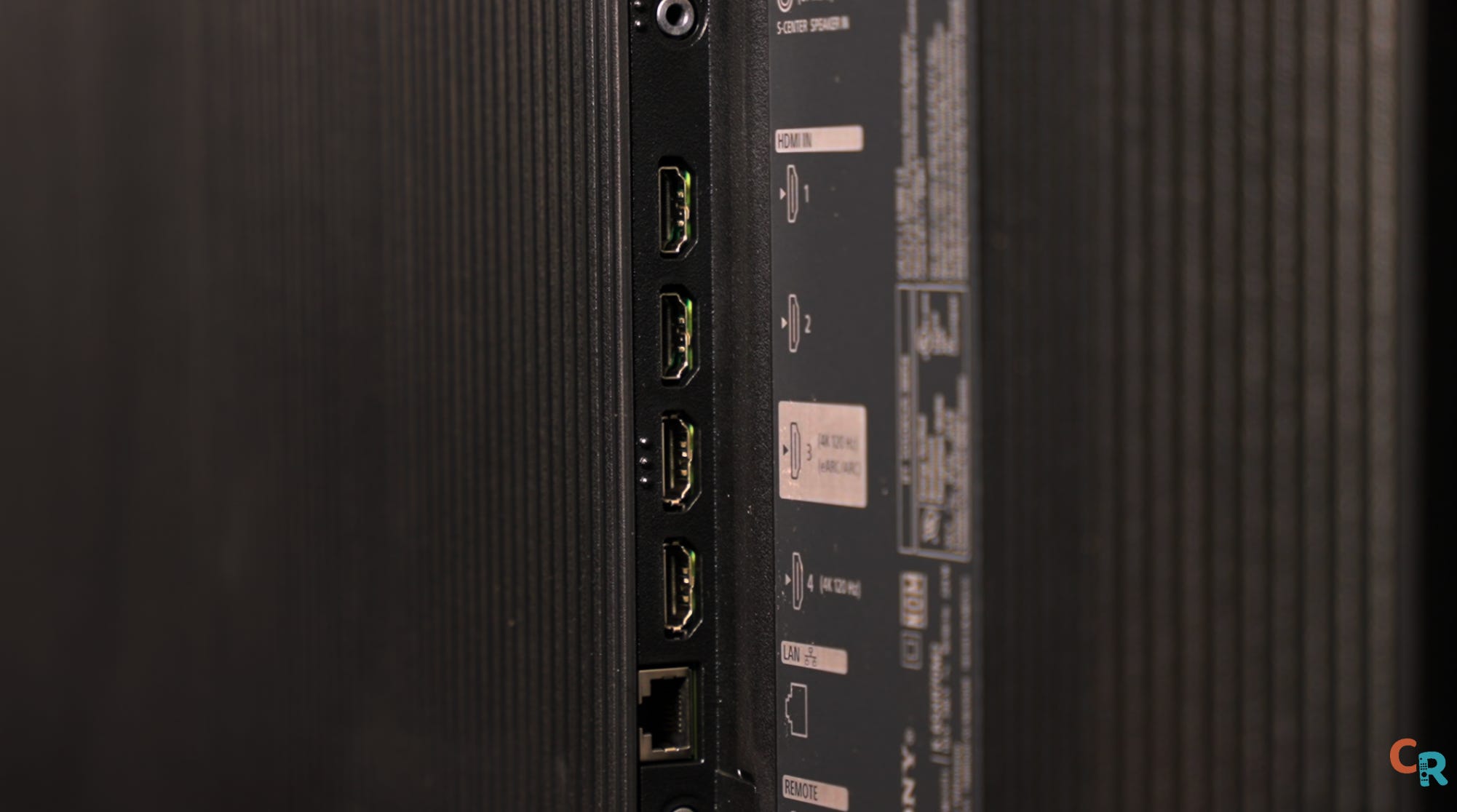
Let’s talk HDMI ports. Don’t shoot the messenger — unlike almost everyone else this year, the Bravia 7 II only has two HDMI 2.1 ports. But stick with me. The last time Sony swapped out its system-on-chip (the brain behind image processing), they had to rewrite everything from scratch — which, as you might recall, wasn’t exactly smooth sailing. Tackling RGB backlighting is already a big leap, so I get why Sony played it safe here. Yes, the limited ports will spark some complaints (fair or not), but don’t write this TV off. Just keep a solid A/V receiver in mind and move along.
Why the Bravia 7 II is Worth It
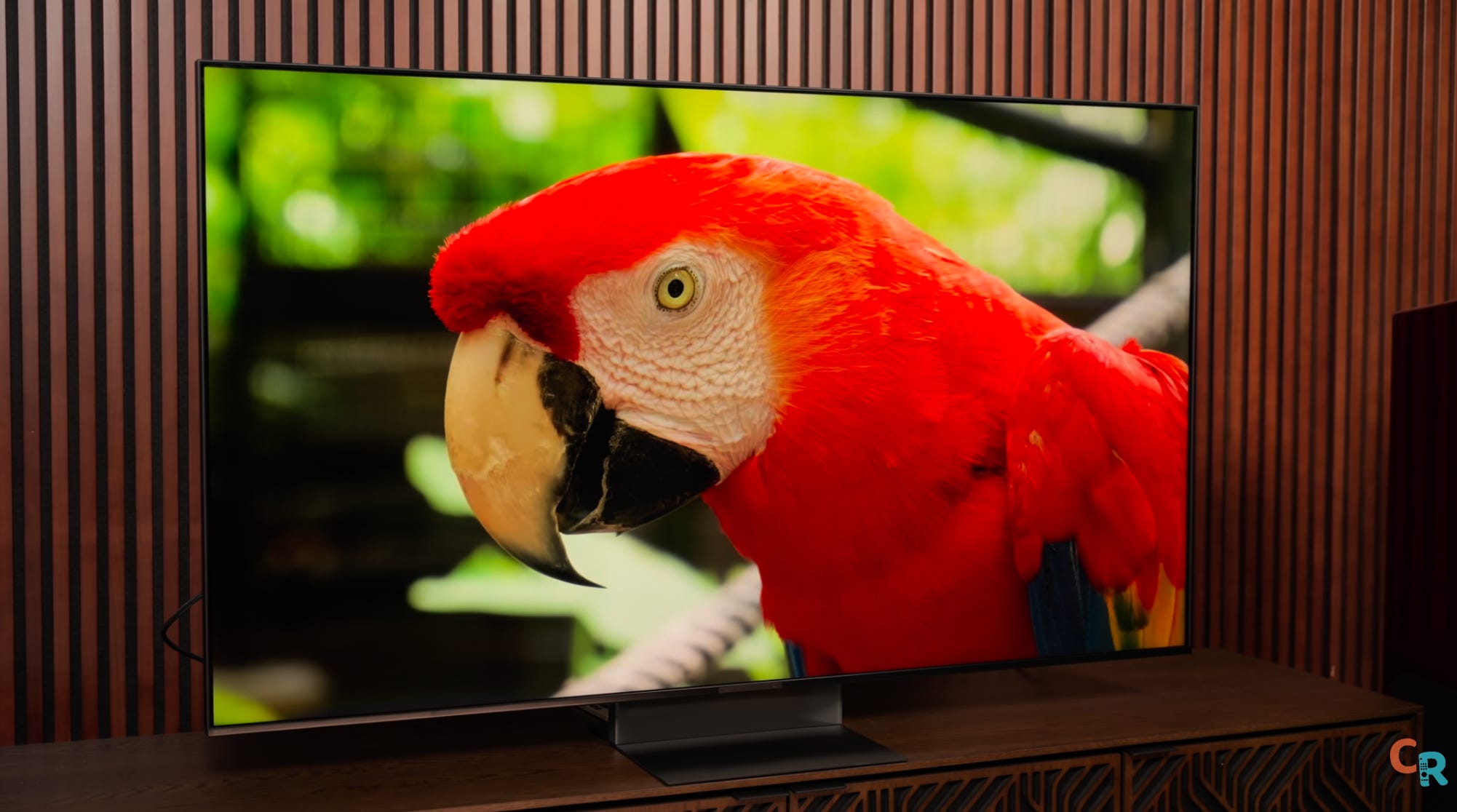
Measured performance is impressively accurate, with just a couple of minor misses. It gets genuinely close to hitting the full volume and area of the vaunted BT.2020 gamut — not that this matters to everyone. The bigger deal? It makes for a more exciting, dynamic viewing experience overall. You might not always notice it, but you do feel it — making it a meaningful step up from the previous version.
Deez Nits: Brightness & Picture Quality
Before I get into this section, I want to thank some top calibrators in this industry who have helped me better understand color science and howto test TVs properlys. Cecil Meade – you might know him as Classy Tech Calibrations — has been a tremendous resource and a true friend. Mike O, Jason Dustall, Sammy Prescott, David Mackenzie, John Reformato, Jeff Yurek, and David Abrams all contributed to my ability to produce both detailed and accessible reviews. And that includes the BT. 2020 explainer as well as inspiration behind what has become known as the TV Review Manifesto. So, thanks, gents. I appreciate you.
Color Accuracy and Calibration
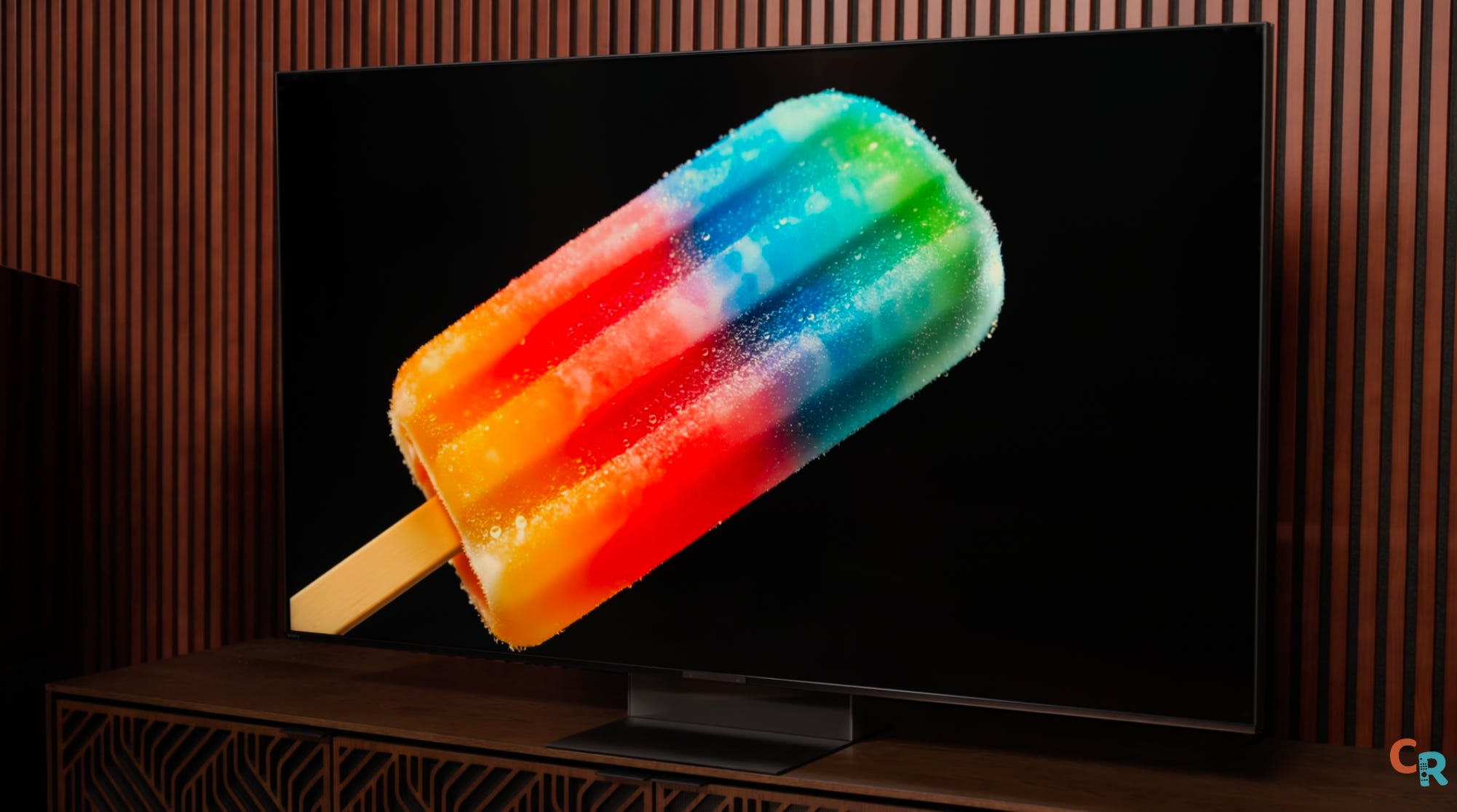
Back to the TV: First thing you’ll want to know — Sony’s treating professional mode like a Hollywood studio monitor this year. Pro mode in SDR tops out at 100 nits, built for the kind of dark room you only see in mastering suites. If you’re watching in a brighter space and want to keep things as accurate as possible, you’ll need a few key adjustments. You’ll want to turn off the ambient light sensor, bump up the backlight, and turn on the peak brightness setting.
Color Errors and Saturation
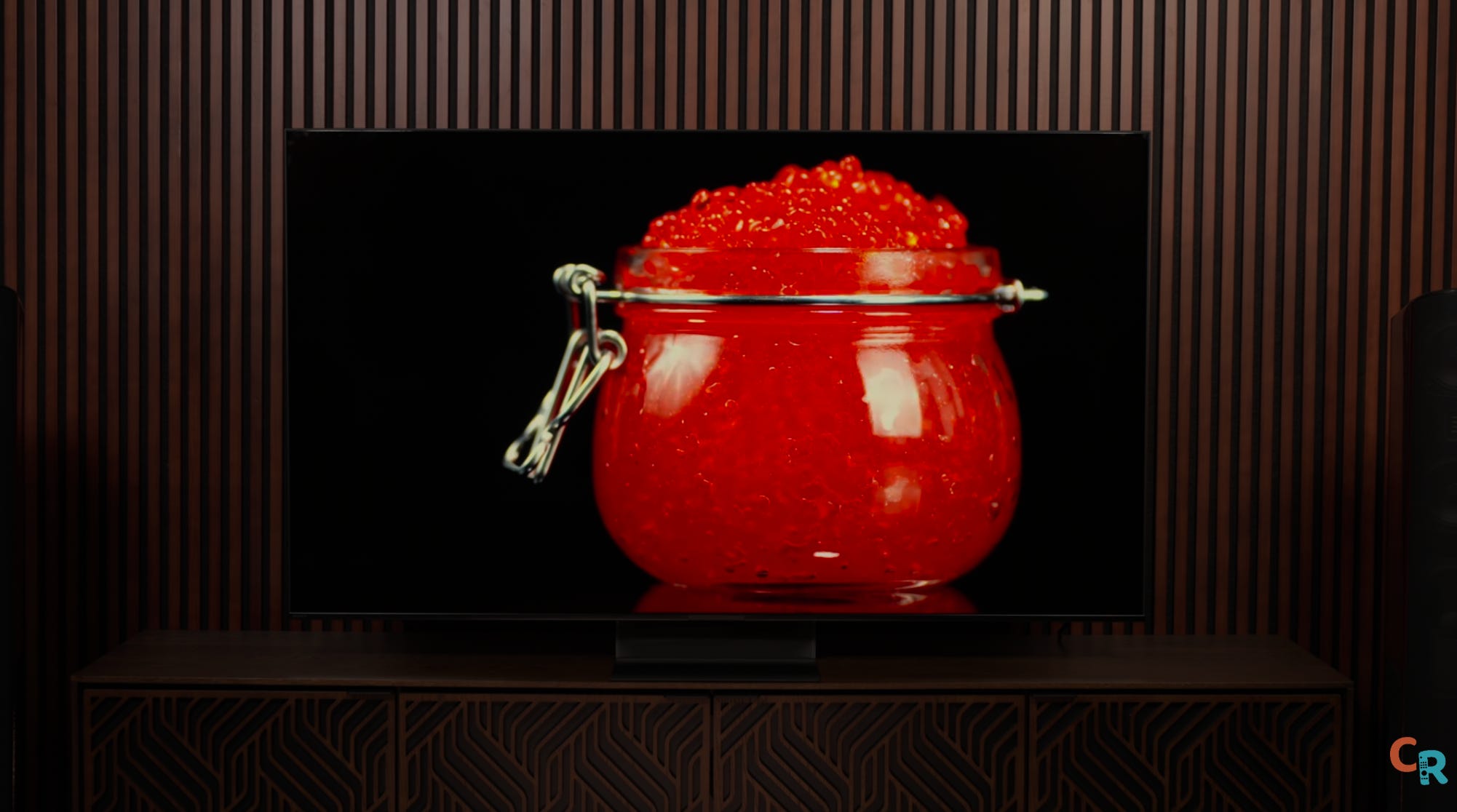
But let’s see how the Bravia 7 II performs as a mastering monitor by the measurements. In short: awesome. Some of the lowest errors I’ve ever seen—except in a few spots. In low-luminance colors, the dark blues shift slightly toward purple (pretty standard for LCDs), but the biggest misses are in bright reds and adjacent secondary colors. Reds are seriously oversaturated. It’s classic Sony LCD behavior, but this time, I think it’s showing us some new quirks.
Greyscale and Gamma


Greyscale is mostly incredible, but there’s a weird bump at 65% and 70% stimulus I don’t get — it also affects gamma readings. Strange. Color checker? Awesome. Luminance errors are minimal, and color saturation — well, see above. Not surprisingly, most of these tests didn’t change much between white backlight and color mode, but they’ll shift in HDR.
Brightness Adjustments
Want to make this TV brighter? Switch to Cinema mode for about 650 nits — though you’ll get some processing stuff that I don’t love as a purist, but you might be fine with. Or stick with pro mode, crank up the backlight, and tweak the peak brightness setting. You’ll lose a bit of accuracy, but not much.
HDR Performance
White Balance and Greyscale


In HDR, things get interesting. White balance stays locked in even at high brightness. Greyscale still shows the weird bump at 65 and 70; reds are oversaturated, as is cyan, and blue remains the weakest in luminance.
Peak Brightness
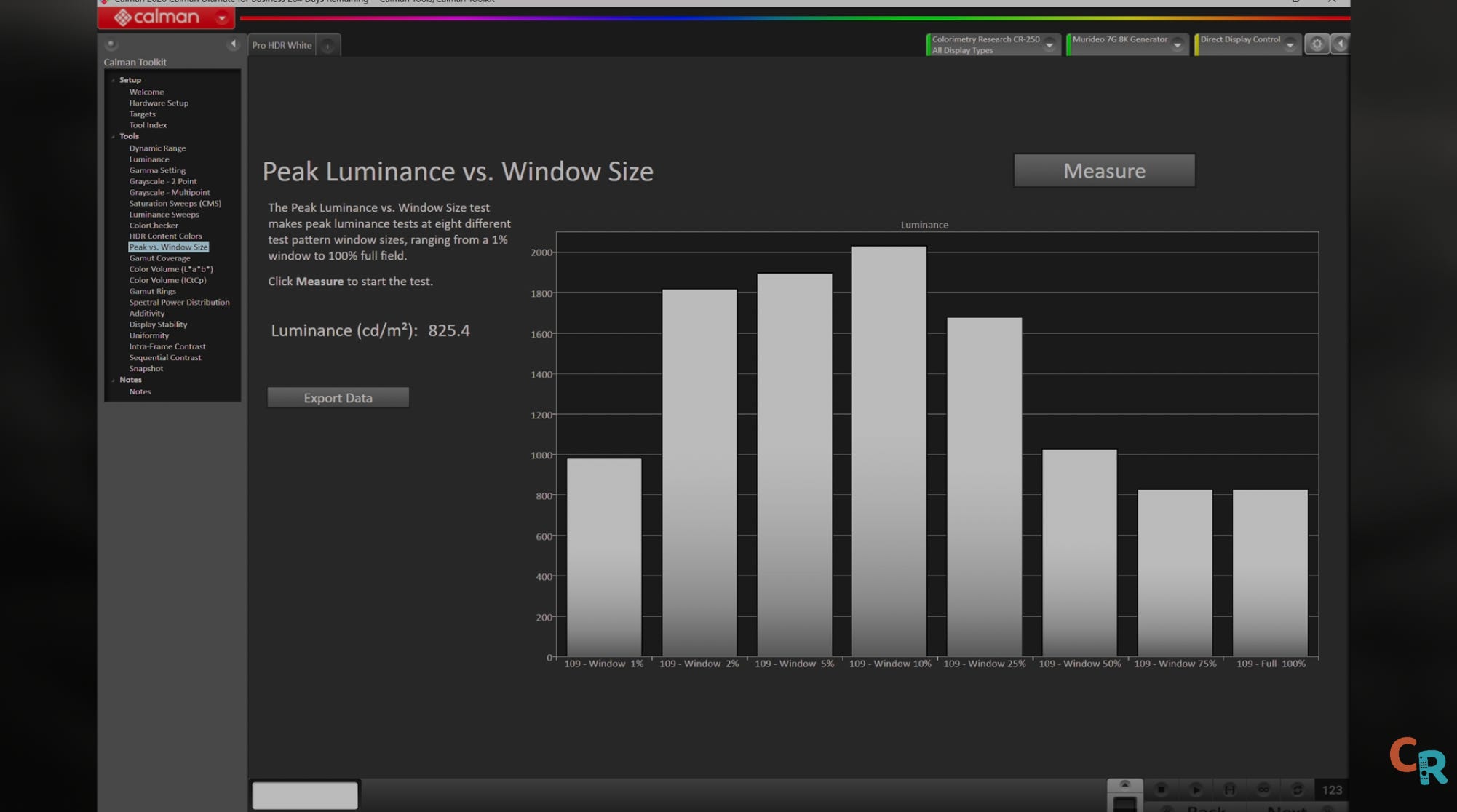
But even with these errors—which we’ve historically forgiven TVs for — the Bravia 7 II is just killing it. It’s hitting just over 2,000 nits peak in a 10% window, and 825 nits full screen — that’s seriously bright at this price level. Until the UR9 started hitting 1,200 nits full-screen, 825 was considered pretty incredible.
Color Gamut and Volume


Now we’re going to get into something interesting. The Bravia 7 II in its white backlight mode did about 80% of BT.2020 and 84% BT.2020 color volume, but the Bravia 7 II doesn’t just stretch way out on a made-up BT.2020 triangle map; it colors between the lines better than anything I’ve tested so far, which is classic Sony.
Color Wars: White Backlight vs. RGB


Now for the fun part: In HDR — where it really matters — I ran tests with the backlight set to white, then to RGB. The differences were fascinating. For example, in the luminance-sweeps test with the white backlight, colors drift as they become brighter. The max and averages stay steady, but blue errors drop dramatically — only green still stands out. Hmm, why might that be?


For saturation sweeps, I dug deeper. I started at the default 75 stimulus, maxed it out, then dropped it to 40 — where most TVs start to sweat.
Color Gamut Mode and L*a*b* Volume


Color gamut mode tells a great story. With the white backlight, the Bravia 7 II covered about 71% of the BT.2020 area (in UV terms), but notice how close the dots are to the boxes. Switch to RGB backlight, and it jumps to 87.93% — and aside from yellow, the dots line up almost perfectly, meaning they’re following the target. For LAB color volume, I got 74% with the white backlight and 84% with RGB, showing a clear boost in color volume and area. The gamut rings make it even clearer: with the white backlight, the rings don’t reach the boundaries, but there are no gaps in color brightness. With RGB, the rings nearly fill the entire space, falling short only in the green-to-yellow area, exactly as you’d expect from the gamut tests.


I’ll compare charts to the Hisense later, but here’s the takeaway: While the Hisense UR9 had a higher color volume percentage and the dots reached further out, they didn’t land nearly as close to the target boxes as Sony’s did. Same story with the gamut area — Hisense scored higher at 91%, but its dots were further from the mark.
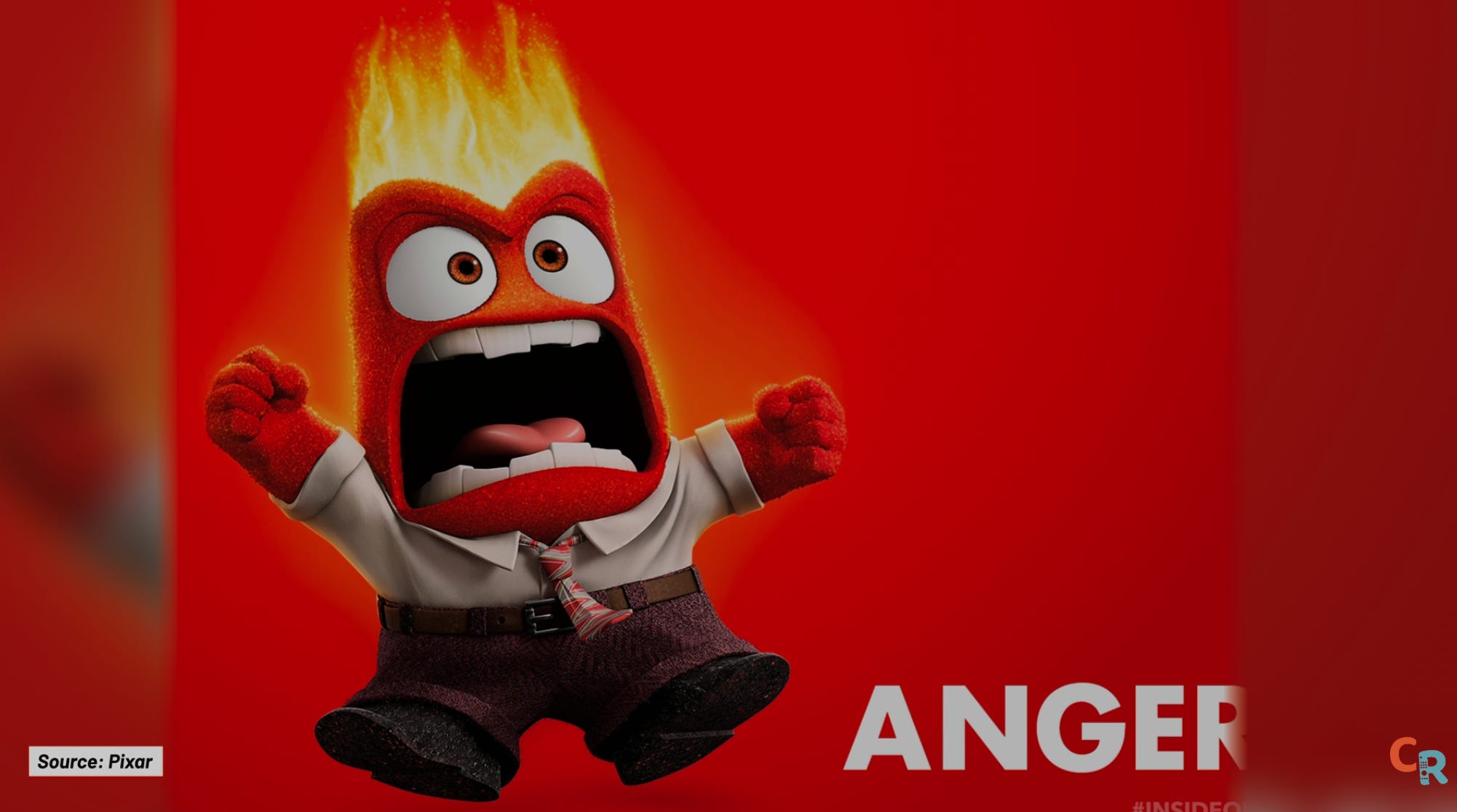
All this proves that, even if most people can’t spot it with the naked eye, the Sony gets closer to how colors are supposed to look than the Hisense. Is that a big deal? That’s up to you. Jeff Yurek at Nanosys had a great example: in Inside Out 2, when the angry character turns that specific BT.2020 shade of red, the Sony nails what the filmmaker intended much better than the Hisense.
In summary, the Sony Bravia 7 II stands out as the most accurate TV we’ve tested so far this year. It consistently delivers excellent results in our measurements, which matters. For best results, brighten up professional mode for accuracy, but if SDR looks too dark, Cinema Daylight mode is a great way to boost brightness without sacrificing much quality.
Real-World Experience
Gaming
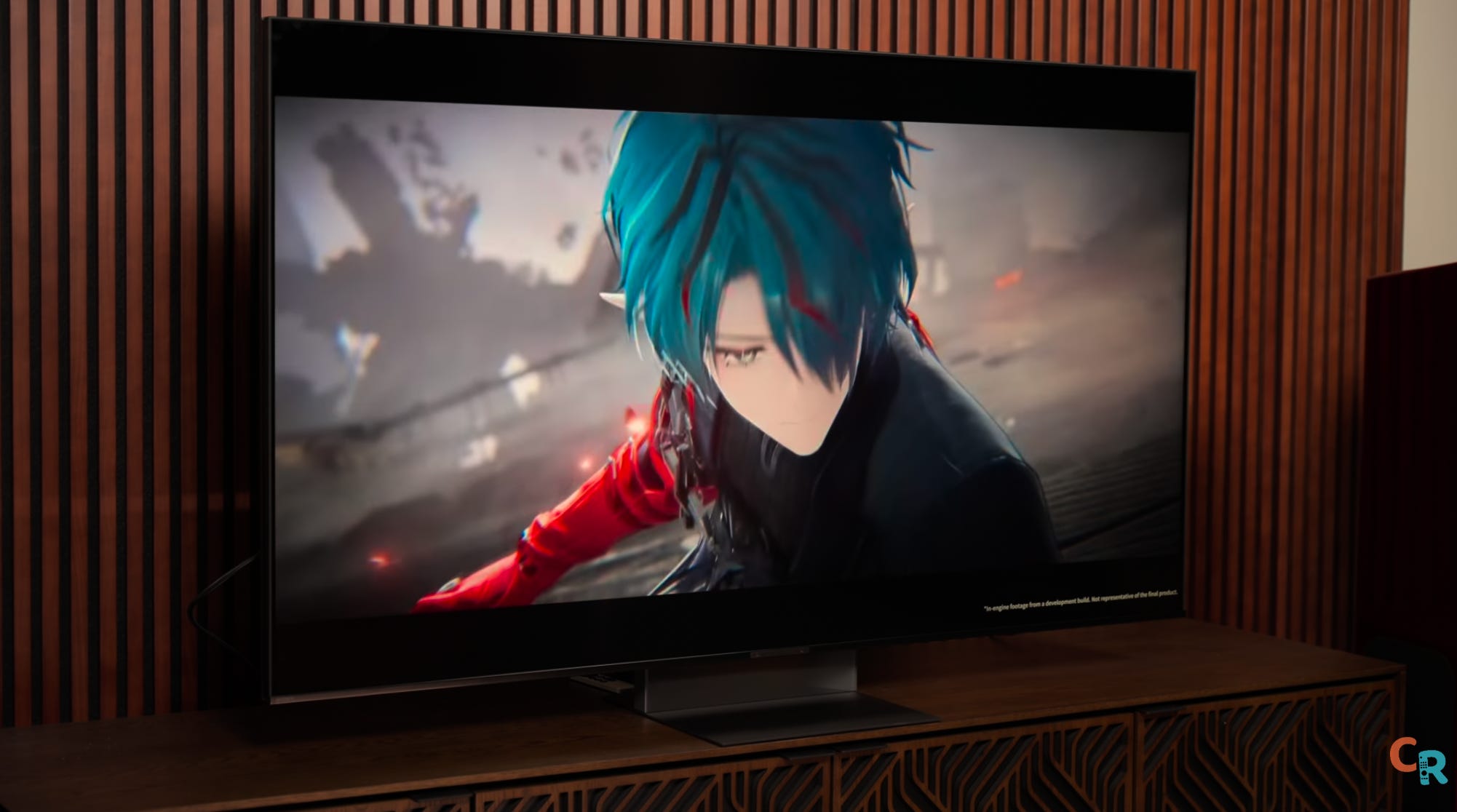
Quick confession: I didn’t get to run my usual console gaming tests on this TV — timing didn’t work out, and my PS5 Pro isn’t set up yet. But I have zero concerns about compatibility. The Bravia 7 II even supports remote gaming so that you can play your PS5 from another room — very cool.
Given how stunning regular TV looks on the Bravia 7 II, I fully expect gaming to be just as impressive.
Off-Angle Performance and Blooming
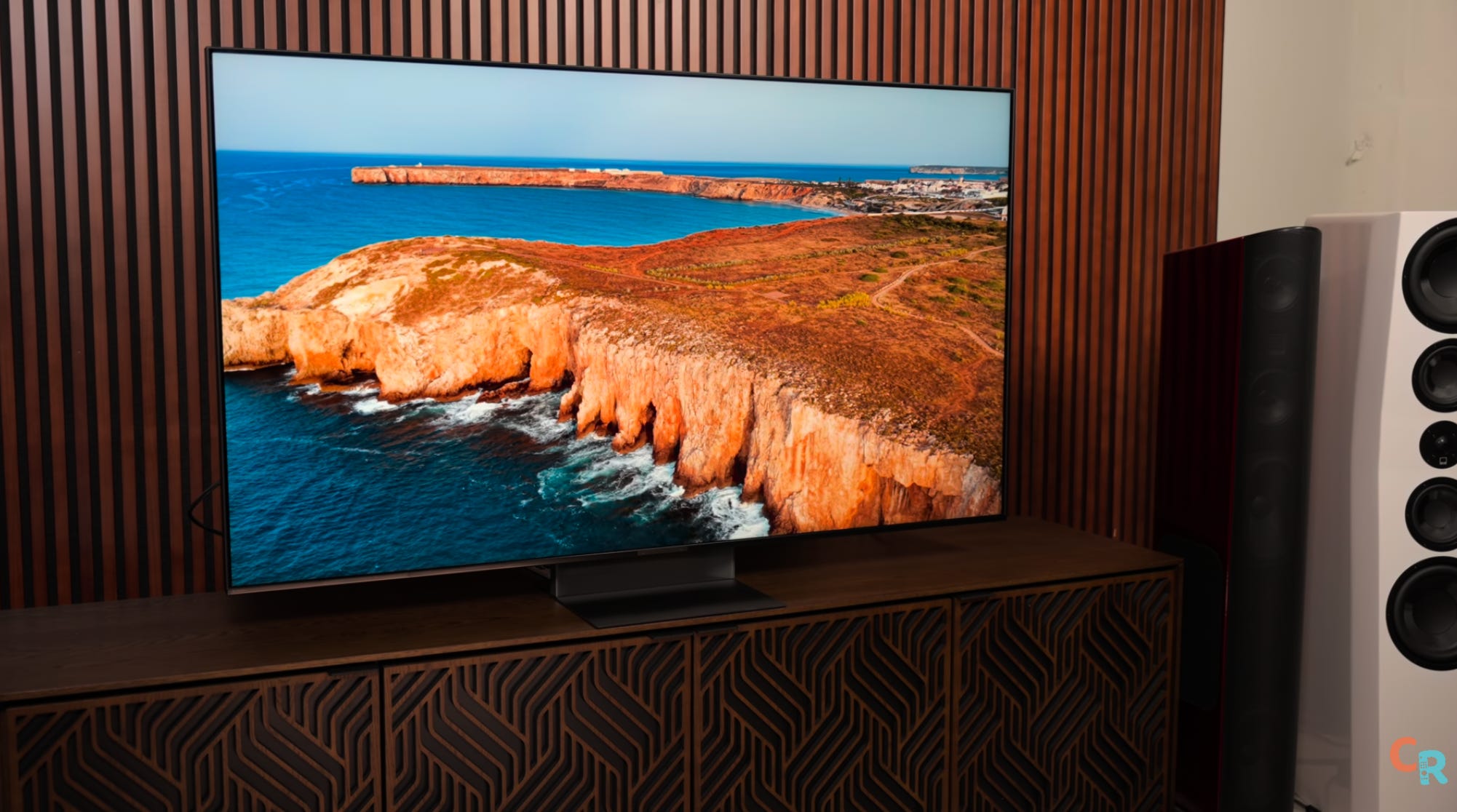
Off-angle viewing was a concern during testing — test patterns made colors look washed out and blooming more obvious. Watching real content, though, colors and contrast held up well, with just some contrast loss, similar to the Hisense UR9. Blooming is more apparent when viewed from the side, and even standing up from a seated position revealed some blooming around the subtitles on the black letterbox bars. It’s not extreme, but it’s more visible here than on the Hisense UR9, which has a higher dimming zone count.


Despite that, colors are gorgeous, HDR highlights really pop, and the overall balance is classic Sony — refined and vibrant. It’s Captain America — on the right side of things most of the time — but in a tuxedo.
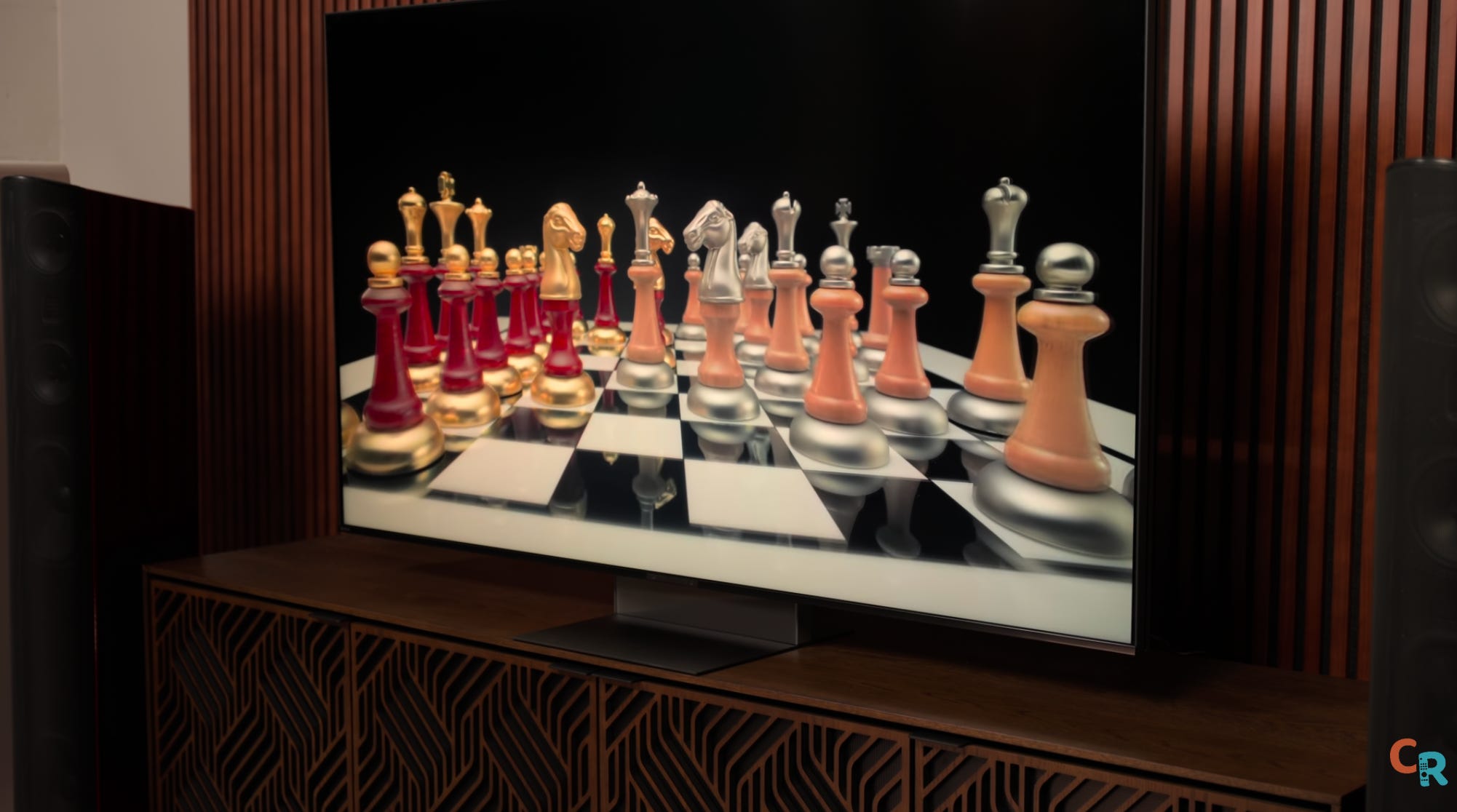
One more note: low-luminance blacks can look a touch purple. It doesn’t crush near-black detail, but shadows don’t look quite as natural as they could. And yes, the oversaturated red in SDR is still present.
The Bottom Line on Bravia 7 II
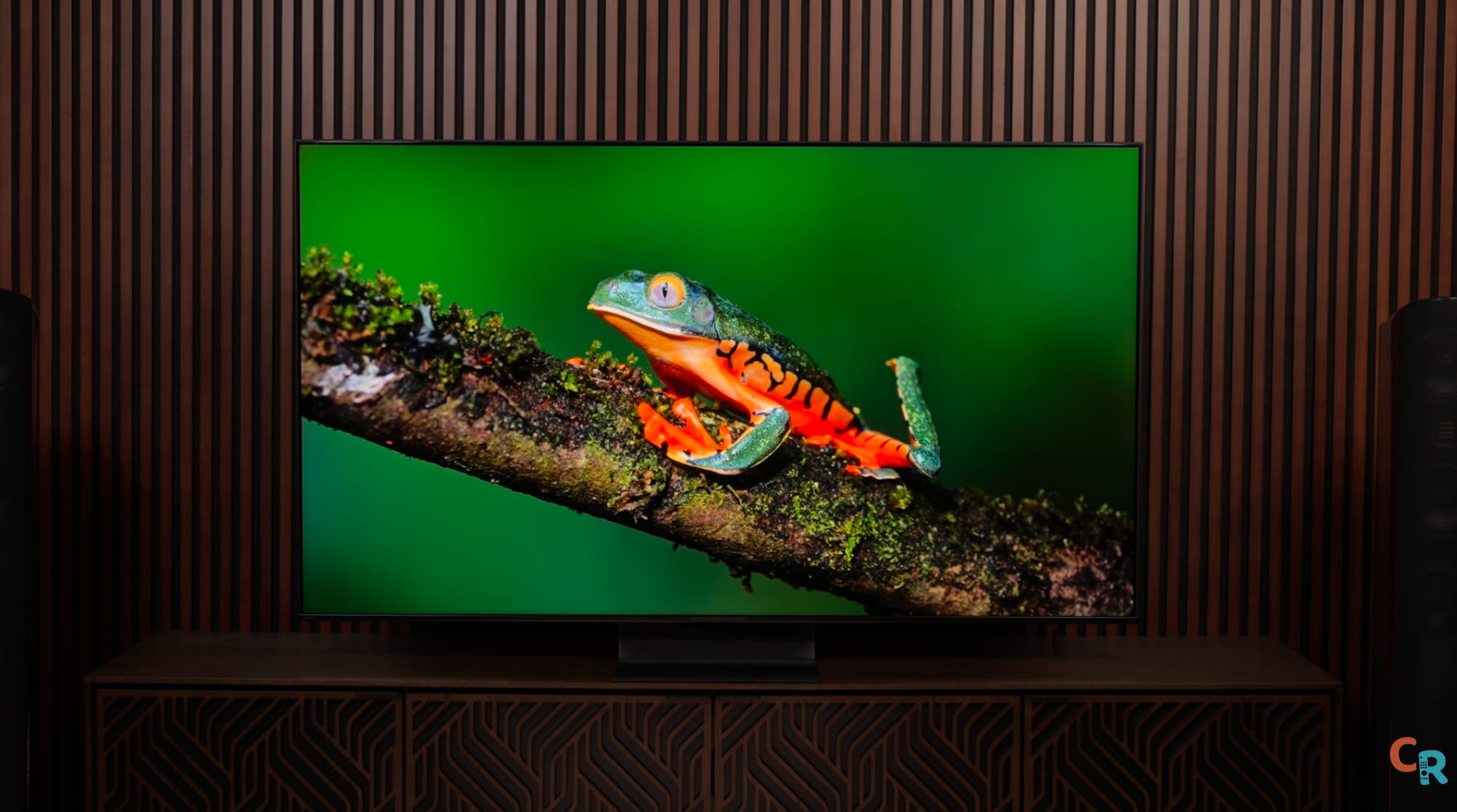
So, is the Bravia 7 II so good that the Bravia 9 II becomes irrelevant? Not quite. There are definitely areas where the 9 II will step up and likely outshine most of the competition. That’s my prediction, anyway.
The Bravia 7 II is what other TVs aspire to be.
The Bravia 7 II is the most accurate TV I’ve tested, and one of the most enjoyable to watch—Sony’s signature accuracy paired with a big boost in color brightness. The Bravia 9 II, though, is the most jaw-dropping RGB demo I’ve seen, and I have a feeling it’s going to make some serious waves. Stay tuned for that review.
That said, the Bravia 9 II will come at a price that’s out of reach for most. The Bravia 7 II, on the other hand, is much more attainable. If you’re a videophile craving accuracy and capability across a range of sizes, the Bravia 7 II is your best bet. Samsung may bring some competition later, but right now, this TV is setting the benchmark for the year.
The Bravia 7 II is, yet again, what other TVs aspire to be.